
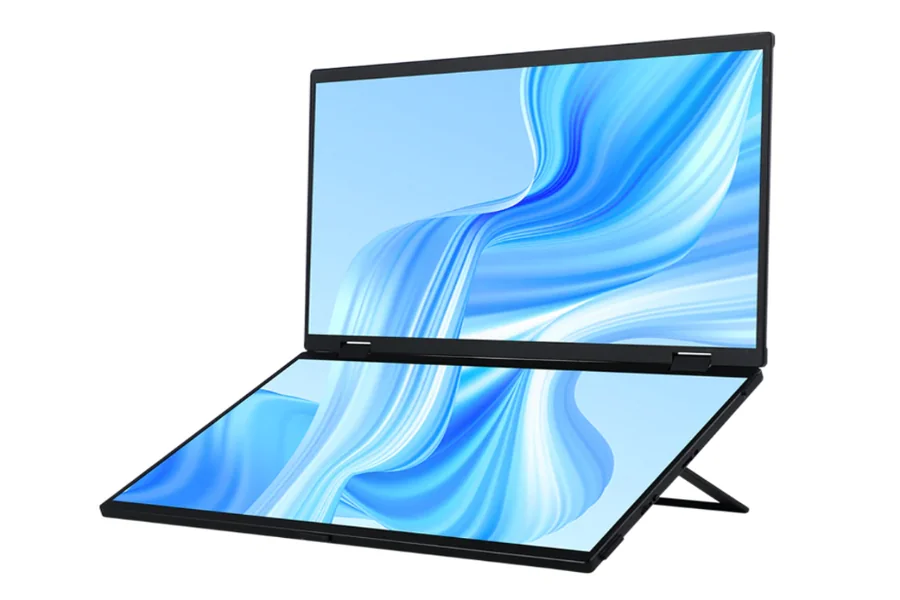
Portable monitors are becoming more popular for people who need to work or enjoy entertainment while on the go. They offer an easy way to increase productivity and have a better viewing experience anywhere.
Without knowing what the important features are, you might end up with a monitor that doesn’t meet your needs. This article will help guide you through the most important details to look for when choosing a portable monitor.
Screen Size and Resolution
Screen size plays a key role in portability and comfort. Larger screens offer a better viewing experience but can make the monitor bulkier and less convenient to carry. Smaller screens, while more portable, may limit how much you can see at once, making them less ideal for tasks that require more space, like multitasking or graphic design.
Ideal Sizes for Various Use Cases:
- For Work: A 13-15 inch screen is often best for office tasks, offering a balance between portability and screen real estate.
- For Gaming: A 15-17 inch screen provides a more immersive experience, especially for fast-paced games.
- For Entertainment: A 15-17 inch screen is also ideal for movies and media, delivering a larger, more engaging view.
Resolution: Full HD, 4K, and Beyond
Resolution determines how sharp and clear the images on your monitor appear. Portable monitors usually offer Full HD (1080p) or 4K options, but there are other resolutions to consider as well.
- Full HD (1080p): Common on most portable monitors, providing clear images and good performance for everyday use.
- 4K: Offers four times the resolution of Full HD, delivering stunning picture quality, especially for design work, gaming, or watching ultra-high-definition content.
- Other Resolutions: Some monitors feature 1440p (QHD) or even 720p, which can be fine for casual use but may lack the clarity required for high-end tasks.
Use Cases for Different Resolutions:
- Gaming: 4K or Full HD can provide smooth and clear gameplay, but you may need a monitor with a high refresh rate as well.
- Design and Editing: 4K is ideal for designers, video editors, or anyone working with high-definition content.
- Work: Full HD is usually sufficient for work tasks, such as writing, browsing, and emails.
Panel Type and Viewing Angles
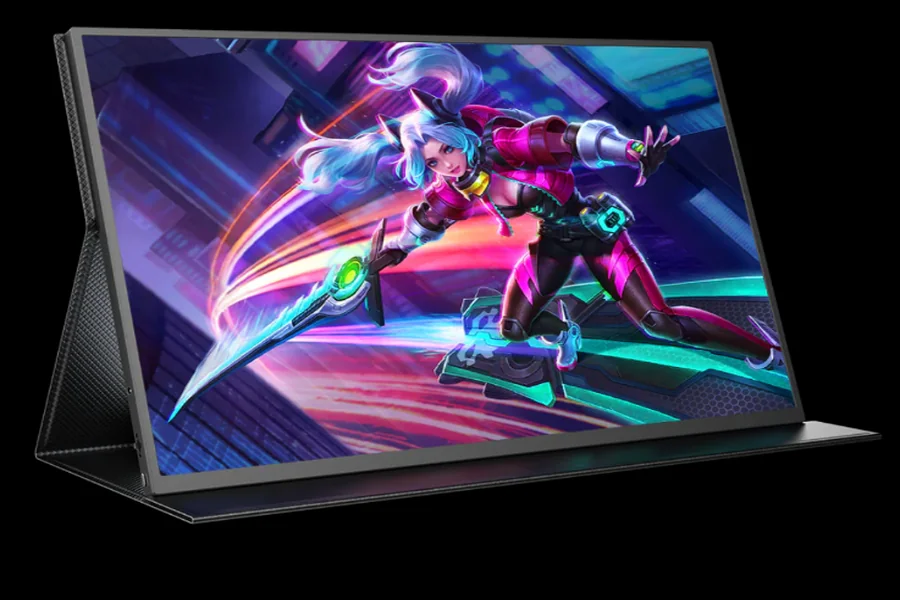
It’s important to consider the type of panel used, as it affects color accuracy, contrast, and viewing angles. The three most common panel types are IPS (In-Plane Switching), TN (Twisted Nematic), and OLED (Organic Light Emitting Diode). Each has its own strengths and weaknesses.
IPS Panels:
IPS panels offer the best color accuracy and wide viewing angles, making them ideal for design work, photo editing, and tasks that require precise color representation. The colors remain consistent, even when you’re viewing the screen from an angle. They are generally the most popular choice for a portable monitor because of their balanced performance in both visual quality and viewing comfort.
TN Panels:
TN panels are more affordable but have lower color accuracy and narrower viewing angles compared to IPS panels. They also tend to have faster response times, making them suitable for competitive gaming where speed matters more than perfect colors. However, their limited viewing angles and color performance make them less ideal for tasks that require accurate visuals.
OLED Panels:
OLED panels offer the best contrast and deeper blacks, as each pixel is individually lit. These panels provide exceptional image quality with vibrant colors and are great for watching movies or gaming.
However, they tend to be more expensive and are less common in portable monitors. OLED panels also risk “burn-in” (permanent image retention), making them less ideal for work tasks involving static images for long periods.
Connectivity Options
Common Ports: USB-C, HDMI, DisplayPort
- USB-C: A modern and versatile port used for both data transfer and power delivery. It supports fast connections and is widely compatible with laptops, tablets, and smartphones.
- HDMI: Common on many devices, HDMI offers good video quality and supports higher resolutions like 4K. Ideal for connecting with TVs, gaming consoles, and older laptops.
- DisplayPort: Provides high-performance video output, especially for high resolutions and refresh rates. Less common on portable monitors but still useful for gaming and professional tasks.
Wireless Connectivity
Wireless portable monitors are becoming more common, offering the convenience of a cable-free experience. These monitors connect via Wi-Fi or Bluetooth, allowing for a more flexible setup.
Pros:
- More convenient, reducing cable clutter.
- Allows for easy connection with devices like smartphones or tablets.
Cons:
- Potential lag or reduced performance compared to wired connections.
- Requires a stable Wi-Fi connection, which may limit reliability in certain environments.
Wireless monitors are great for casual use, but wired connections typically offer more stable and high-quality performance.
Refresh Rate: Why It Matters for Gaming and Multimedia
Refresh Rate refers to how many times per second the image on the screen is updated, measured in Hertz (Hz). A higher refresh rate means smoother visuals, which is particularly noticeable during fast motion.
Ideal Refresh Rate:
- For Gaming: 120Hz or higher provides a smooth and responsive gaming experience, especially in fast-paced games.
- For Video Editing: A 60Hz refresh rate is generally sufficient, as color accuracy and resolution are more important.
- For Regular Use: 60Hz is fine for everyday tasks like browsing, office work, and streaming.
Response Time: How It Affects Performance
Response Time is the time it takes for a pixel to change from one color to another, measured in milliseconds (ms). Lower response times reduce motion blur and ghosting, especially in fast-moving content.
- 5ms: Adequate for general tasks and casual gaming but may show slight blur in fast-paced scenes.
- 1ms: Ideal for competitive gaming where precision and fast reactions are crucial.
A lower response time improves the clarity of moving images, making it especially important for gamers and video editors who need fast and clear visuals.
Brightness: How It Impacts Use in Various Environments
Brightness is measured in nits, indicating how bright the screen can get. The ideal brightness depends on where you’ll use the monitor.
- Outdoors: For use in bright environments or outdoors, look for a monitor with at least 300-400 nits of brightness to combat glare and ensure visibility in sunlight.
- Dimly Lit Rooms: A brightness of 200-300 nits is typically enough for indoor use, providing a comfortable viewing experience without straining your eyes.
- General Use: Monitors with 250-300 nits work well for most office, home, and media tasks, offering a good balance of visibility and power efficiency.
Color Accuracy: Key for Designers and Creatives
Color Accuracy refers to how closely the monitor displays colors to their true values. It’s crucial for tasks like photo editing, graphic design, and video production.
The most common standards for color accuracy are sRGB and Adobe RGB. sRGB is widely used for web content, while Adobe RGB covers a wider color gamut, suitable for print and professional graphics.
If you’re a designer, photographer, or video editor, opt for a monitor with high color accuracy (covering 99% or more of sRGB or Adobe RGB) to ensure your work looks consistent across different devices and mediums. For general tasks like browsing or office work, a monitor with standard color accuracy is typically sufficient.
Battery Life and Power Consumption
The battery life of a portable monitor depends on several factors, including:
- Screen Size: Larger screens consume more power. A 17-inch monitor will likely drain the battery faster than a 13-inch one.
- Resolution: Higher resolutions, like 4K, require more power to display detailed images, reducing battery life compared to Full HD.
- Brightness: Higher brightness levels also increase power consumption. A monitor used outdoors in direct sunlight will need more power than one used indoors with lower brightness.
Most portable monitors offer between 4-8 hours of battery life on a single charge. For heavy users (gaming, video editing), expect around 4-5 hours. For light users (browsing, office tasks), battery life may last closer to 7-8 hours.
Power Consumption and Charging Options
USB-C is the most convenient and modern charging option. It provides both power and data transfer through a single cable, reducing cable clutter and simplifying setup.
Alternatively, some portable monitors use a dedicated charging port, usually requiring a separate adapter. This may offer faster charging but is less efficient than USB-C.
Conclusion
Choosing the right portable monitor requires careful consideration of your specific needs and preferences. Understanding the tech specs allows you to prioritize the features that matter most to you, ensuring you get the best value for your investment. Pay attention to the trade-offs, such as battery life versus resolution, or refresh rate versus response time, to find the perfect balance for your use case.
