As home offices become more common and households rely increasingly on digital records, the need for fast and reliable document scanning has grown. Whether you’re managing personal finances, organizing family paperwork, or running a small business from home, inefficient scanning methods can quickly become a source of frustration. Fortunately, modern scanning technology offers faster, smarter ways to digitize documents without disrupting your day.
Many people still rely on slow, manual approaches—such as mobile phone apps or outdated flatbed scanners—when trying to scan document files at home. While these options may work for occasional use, they often fall short when speed, accuracy, and consistency are required. Understanding how modern scanners improve everyday workflows can help home users choose tools that save time and reduce hassle.
How Modern Scanners Speed Up Everyday Tasks
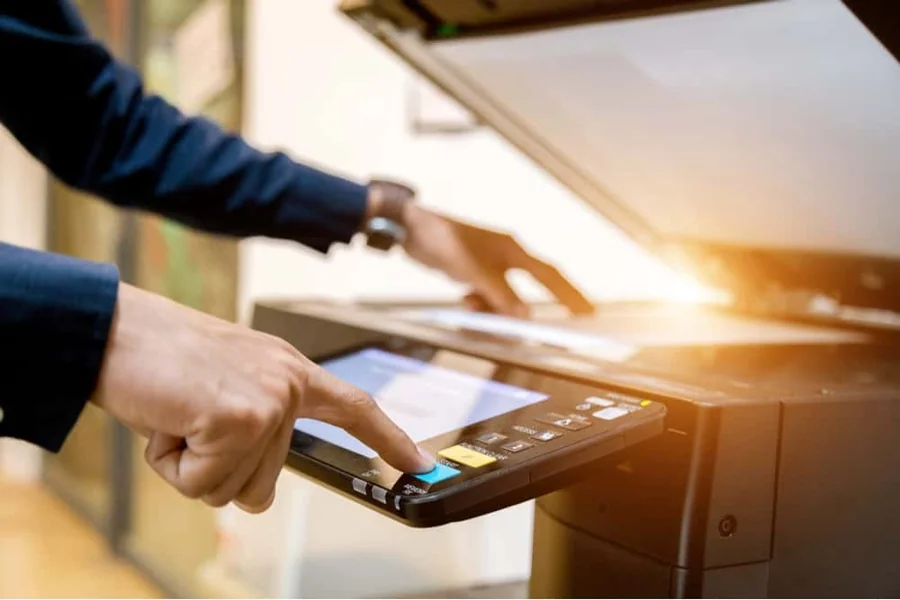
One of the biggest advancements in home scanning is automation. For those interested in exploring this topic further, meaningsparkz.com provides valuable insights on automation in document scanning. Modern scanners are designed to handle multiple pages quickly, eliminating the need to scan one sheet at a time. Instead of manually positioning each document and waiting for the scan to finish, users can load a stack of papers and let the scanner process them in sequence. This dramatically reduces the time spent digitizing bills, forms, and records.
Speed improvements also come from better image processing. Modern scanners automatically adjust brightness, contrast, and alignment, producing clean scans without requiring manual edits. This means fewer rescans and less time spent fixing crooked or unreadable images. For home users juggling multiple responsibilities, these small efficiencies add up quickly.
Versatility is another factor that improves speed. Today’s scanners can handle a wide range of materials, from standard documents to photos and receipts. Instead of switching between devices or apps, users can rely on a single scanner to manage multiple tasks efficiently. For example, a quick photo scanner makes it easier to digitize old prints and personal images without sacrificing clarity or color accuracy.
Connectivity also plays a role in faster workflows. Modern scanners integrate smoothly with computers and cloud storage, allowing files to be saved, shared, or backed up immediately after scanning. This seamless transfer reduces extra steps and helps keep digital records organized from the start.
Features That Improve Efficiency in Home Offices
When choosing a scanner for home use, certain features have a significant impact on efficiency. Automatic document feeders (ADFs) are among the most valuable, especially for users who scan documents regularly. An ADF allows multiple pages to be scanned continuously, freeing users from repetitive manual tasks.
Another key feature is optical character recognition (OCR). OCR technology converts scanned text into searchable and editable files, making it easier to locate documents later. Instead of scrolling through folders of images, users can quickly search for keywords, dates, or names. This is especially useful for financial records, contracts, and school documents.
File organization tools also enhance efficiency. Many scanners allow users to set default file names, formats, and destinations, reducing the need for manual sorting after scanning. By establishing consistent naming conventions, home users can maintain organized digital archives with minimal effort.
For managing everyday expenses, a dedicated receipt scanner can be a major time-saver. Receipts are often small, oddly shaped, and printed on delicate paper that phone cameras struggle to capture clearly. Receipt scanners are built to handle these challenges, producing readable scans that simplify expense tracking, budgeting, and tax preparation.
Quiet operation is another often-overlooked feature. Home offices frequently share space with living areas, so scanners designed to operate quietly help maintain a comfortable environment. This allows users to scan documents at any time without disrupting others in the household.
Why Speed Matters More Than Ever at Home
Fast scanning isn’t just about convenience—it supports better organization and productivity. When documents can be digitized quickly, users are more likely to keep records up to date rather than letting paperwork pile up. This proactive approach reduces stress and makes important information easier to access when needed.
Speed also encourages better digital habits. Instead of postponing scanning tasks, users can complete them in short sessions, keeping home offices clutter-free. Over time, this leads to more efficient workflows and a stronger sense of control over personal and professional records.
For remote workers and freelancers, fast scanning supports responsiveness. Being able to quickly digitize and share documents helps maintain professional communication with clients, employers, and service providers. Delays caused by slow scanning methods can impact credibility and productivity.
Choosing the Right Tools for Faster Home Scanning
The fastest methods for scanning documents at home combine the right hardware with smart features. Dedicated scanners outperform mobile apps and outdated equipment by offering speed, consistency, and automation. They reduce manual effort and deliver higher-quality results, making them a worthwhile investment for anyone who scans regularly.
By selecting a scanner that supports documents, photos, and receipts, home users can streamline multiple tasks with a single device. Features like ADFs, OCR, and efficient file management further enhance performance, turning scanning into a quick, routine task rather than a time-consuming chore.
A Smarter Way to Scan at Home
As home offices continue to evolve, efficient scanning has become an essential part of daily organization. Modern scanners provide faster, more reliable ways to digitize documents, helping users stay organized without sacrificing time or energy.
By moving beyond manual methods and embracing purpose-built scanning tools, home users can simplify everyday tasks and maintain cleaner, more efficient workflows. The result is a home office that works smarter—supporting productivity, organization, and peace of mind with every scan.