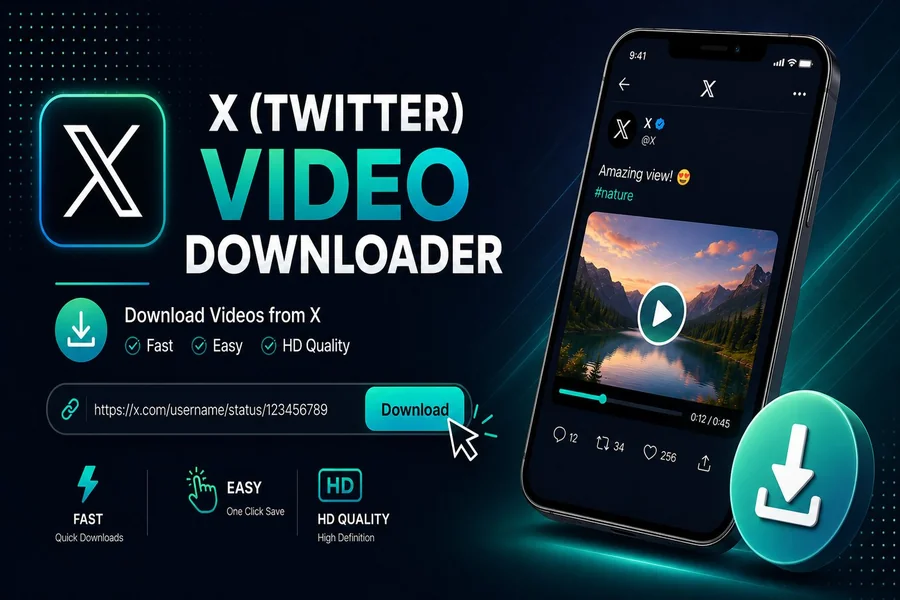
The buzzer sounds, the crowd loses its mind, and within seconds a fan-shot clip hits your timeline. Twenty minutes later that post is gone. An X Downloader gives you a calm way to save those moments before they vanish, whether the account goes private, gets suspended, or simply deletes the upload after the news cycle moves on.
Why sports fans turn to a Twitter Downloader
Game day on X moves fast. Buzzer-beaters, post-game interviews, locker-room celebrations, and raw fan reactions get posted, reshared, and sometimes scrubbed within hours. A Twitter Downloader lets you keep a personal copy on your phone or PC, free, with no account sign-up required.
sssTwitter works in your browser on iPhone, Android, and desktop, so your highlight reel travels with you to the next watch party.
The simple three-step process
The workflow stays the same whether you grab a dunk clip, a coach’s presser, or a fan-cam GIF. Use download twitter video by link to start, then follow these steps.
- Copy the source URL from the X post (tap Share, then Copy Link).
- Paste the link into the input field on sssTwitter.com.
- Pick your output format (MP4, MP3, GIF, or image) and tap Download.
Processing runs server-side, so your phone battery stays out of it. Files save directly to your device storage in HD when the original upload supports it.
Formats that match the moment
Different highlight types call for different file types. Picking the right format keeps your reel sharp and your storage lean.
| Format | Typical sports use | Quality tier | Average file size |
| MP4 | Full clips, dunks, goals, walk-offs | Up to 1080p HD | 10-80 MB |
| MP3 | Radio calls, post-game audio, crowd noise | 128-320 kbps | 1-5 MB |
| GIF | Looping reactions, mascot cams | Standard motion | 500 KB-3 MB |
| JPG / PNG | Box scores, fan signs, locker-room photos | Original resolution | 200 KB-2 MB |
Live broadcast download, a fresh addition
The newest feature on sssTwitter pulls live broadcasts from X after they air. Think overtime watch-alongs, post-game streams from players, or fan reaction shows. Paste the broadcast link the same way you would a regular post, and the tool archives the recording in MP4.
This matters for sports fans because live content gets pulled quickly when rights holders flag it.
What makes the tool practical
- Free with unlimited downloads, no daily caps to track
- No registration, no email, no password
- Browser-based, so nothing installs on your device
- Fast processing, usually under ten seconds per clip
- Privacy-focused with no data collection or storage of your links
- Safe by design with no malware payloads or hidden bundles
Stay on the right side of fair use
Save clips for personal viewing, family group chats, or your own scrapbook. Avoid re-uploading copyrighted footage for public redistribution. Treat downloaded media the way you would a recorded TV broadcast: yours to rewatch, not yours to resell.
Your reel, ready when you are
A good highlight reel preserves the small stuff: the bench reaction, the rookie’s first interview, the fan in the upper deck losing it. sssTwitter keeps those moments offline, organized, and watchable long after the original post disappears from your timeline.